


Corporate office security is becoming increasingly important as businesses manage growing workforces, confidential information, and restricted workplace areas. Traditional keys and access cards may not always provide the level of security and monitoring that modern organizations require.
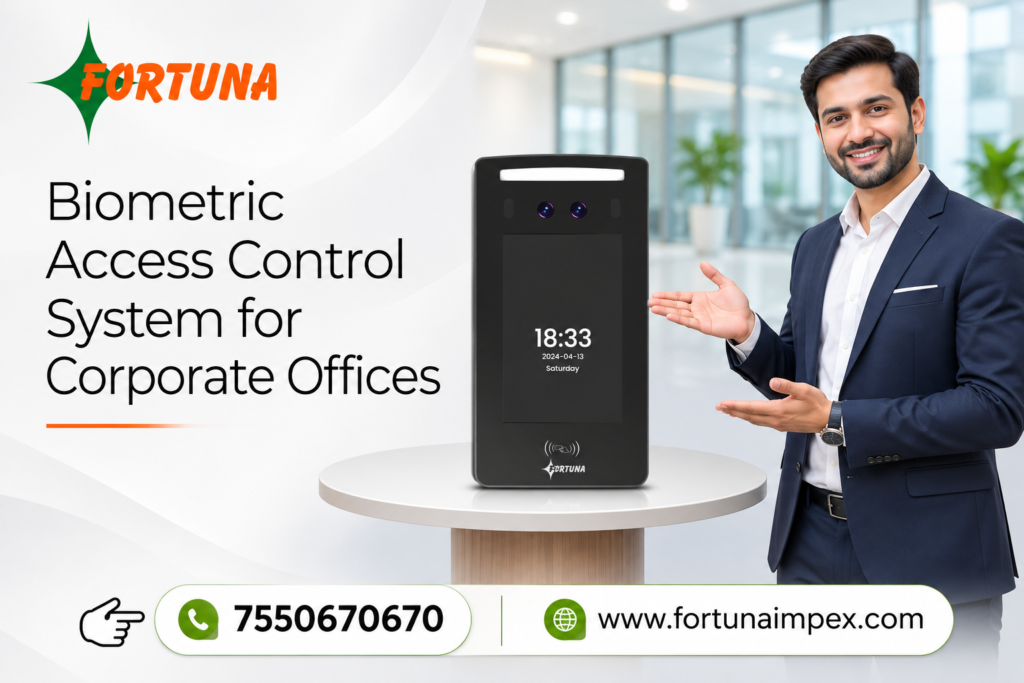
A biometric access control system for corporate offices offers a smarter way to manage employee entry and exit using unique physical characteristics such as fingerprints and facial recognition. It helps businesses improve workplace security, control unauthorized access, and simplify employee access management.
However, choosing the right system requires careful consideration. Here are seven important factors to evaluate before investing in a biometric access control system for your corporate office.
1. Which Biometric Authentication Technology Does Your Office Need?
The first consideration is the authentication technology offered by the system. Different biometric technologies provide different levels of convenience and security.
Common biometric authentication options include:
- Fingerprint Recognition: Verifies employees using their unique fingerprint patterns.
- Face Recognition: Identifies employees through facial features without requiring physical contact.
- Multi-Biometric Authentication: Combines multiple authentication methods for additional verification.
For corporate offices with frequent employee movement, face recognition systems can offer convenient, contactless authentication. Fingerprint-based systems can also be suitable for controlled entry points.
Choose a technology according to your office environment, workforce size, and security requirements.
2. Can the System Handle a Large Number of Employees?
Corporate offices often have hundreds or thousands of employees, making scalability an important purchasing consideration.
Before selecting a biometric access control system for corporate offices, check its employee registration capacity and authentication performance.
Consider the following:
- Maximum biometric user capacity.
- Fast employee identification.
- Support for multiple access points.
- Centralized employee management.
- Easy addition and removal of employee records.
A scalable system allows businesses to expand their security infrastructure as their workforce grows without replacing the entire setup.
3. Does It Offer Real-Time Access Monitoring and Reporting?
Monitoring employee movement is another important requirement for corporate security management.
A reliable biometric access control system should provide access records and reporting features that help administrators monitor entry and exit activities.
Look for features such as:
- Real-time access monitoring.
- Employee entry and exit records.
- Unauthorized access alerts.
- Attendance and movement reports.
- Centralized access management.
These features help security teams maintain better visibility over office premises and review access activities when required.
4. Is the System Compatible with Your Existing Security Infrastructure?
Before purchasing a biometric access control system, check whether it can integrate with your existing security equipment.
Corporate offices may already use electronic door locks, turnstiles, access cards, attendance systems, or CCTV cameras.
A compatible access control solution can help businesses manage multiple security components more efficiently.
Check whether the system supports:
- Electronic door locks.
- Magnetic locks.
- Exit buttons and door sensors.
- Attendance management software.
- Centralized security management platforms.
Choosing an integration-friendly solution can reduce installation complexity and support future upgrades.
5. What Data Security and Privacy Features Are Available?
Biometric information is sensitive, so businesses must carefully evaluate how employee data is collected, stored, accessed, and protected.
Before purchasing, ask the manufacturer about:
- Secure biometric data storage.
- Data encryption capabilities.
- Administrator access permissions.
- Secure communication protocols.
- Data backup and recovery options.
- Data retention and deletion controls.
Businesses should also review applicable data protection requirements and establish clear policies for employee consent and biometric data handling.
6. Is the System Easy to Install, Operate, and Maintain?
A complicated security system can create unnecessary challenges for employees and administrators.
Look for a biometric access control system that offers a user-friendly interface, straightforward employee registration, and convenient administrative controls.
Also consider installation requirements, technical support, software updates, maintenance services, and product warranty.
Working with an experienced biometric access control system manufacturer and supplier can help businesses select suitable equipment and plan an effective installation.
7. What Is the Overall Cost and Long-Term Value?
Price is an important factor, but businesses should evaluate the overall value rather than selecting a system based only on its initial cost.
Consider the following expenses:
- Biometric access control devices.
- Installation and configuration.
- Software and licensing charges, if applicable.
- Integration with existing equipment.
- Maintenance and technical support.
- Future expansion requirements.
A suitable system should balance security, functionality, reliability, and long-term operating costs.
Why Choose Fortuna Impex for Biometric Access Control Solutions?
Fortuna Impex offers biometric and access control solutions designed to support modern workplace security requirements.
Businesses looking for a reliable access control solution should evaluate product capabilities, authentication options, integration requirements, and technical support before making a purchasing decision.
Whether you are planning security infrastructure for a small corporate office or a large commercial facility, choosing the right biometric technology can help improve access management and workplace security.

